Popular Freelancer Tax Software for Managing Income in 2026
Crystal Harrison · November 5, 2026 · 6 min read
Popular Freelancer Tax Software for Managing Income in 2026
What does Early Release mean? Updated November 3, 2026. Early Release means you can use the feature before its full launch while we continue testing and improving it based on user feedback. Some details may change as we refine the tools. This label applies to SnapTax Optimizer, not to Starter or Builder, which are already launched products.
SnapTax · November 5, 2026 · 5 min read

The short version: Managing income means turning what you earn into a current estimate of what you owe. Most tools stop at tracking what came in. SnapTax joins your income to your quarterly tax estimate, so the number moves as you earn it.
What does "managing income" mean for a freelancer?
Managing income means knowing what you owe, not just what you earned. For a freelancer, that means every payment you log or import flows into a live quarterly tax estimate.
The IRS expects self-employed people to pay estimated tax in four installments when they expect to owe $1,000 or more (IRS).
Your self-employment tax is figured on your net earnings, meaning what you earned minus your business expenses, not on everything clients paid you. That's why deductions change the number you owe (IRS).
Income tracking records payments. Managing income turns those payments into a tax figure you can act on (SnapTax).
Why is tracking income only half the job?
Tracking income tells you what came in. It leaves what you owe to you, unless the tool updates your tax estimate at the same time.
Estimated taxes are generally due four times a year: April 15, June 15, September 15, and January 15 of the next year. A number set in January can go stale by spring (IRS).
Underpaying has a cost. If you don't pay enough estimated tax during the year, or you pay it late, the IRS can charge an underpayment penalty. It's based on how much you were short, how long you were short, and the IRS's interest rate for that period (IRS).
If your tool tracks income but doesn't estimate tax, you have to do that math yourself.
How do the top-rated freelancer tax tools compare for managing income?
Pick the tool that turns income into a tax number, not just a list of payments. Here is how some popular options line up.
Tool | What it does best | How income meets your tax bill |
|---|---|---|
Quarterly tax planning for freelancers and 1099 workers | Free plan: you update your income estimate any time. Paid plans: the income and expenses you log or upload update your estimate (SnapTax) | |
QuickBooks (Intuit) | Full bookkeeping, especially if you already use TurboTax | Organizes income, expenses, and mileage for your Schedule C, with TurboTax filing help on paid plans (QuickBooks) |
Hurdlr | Automatic mileage and expense tracking | Real-time tax estimates on the free plan, more detailed estimates on Premium (Hurdlr) |
Keeper | Finding deductions and filing | Tracks expenses and finds deductions; yearly plans include tax filing reviewed by a tax pro (Keeper) |
FreshBooks | Invoicing and client billing | Built around invoicing; its pricing page lists tax-time reports like profit and loss, not quarterly estimates (FreshBooks) |
Wave | Free bookkeeping and invoicing | Built around bookkeeping and invoicing |
What should you look for in freelancer tax software for managing income?
Choose software that keeps your tax estimate current, not just your income list. Six things matter most.
A quarterly tax estimate that updates when your income changes (SnapTax).
A real federal and state tax engine, not a rough percentage (SnapTax).
Support for W-2 and 1099 income in one estimate (SnapTax).
Safe harbor calculations, so you know the minimum you generally need to pay during the year to avoid an underpayment penalty. For most people, that's 90% of this year's tax or 100% of last year's, whichever is less (110% of last year's if your adjusted gross income last year, meaning your total income after certain adjustments, was over $150,000, or over $75,000 if married filing separately) (IRS).
A monthly savings goal built from your actual income (SnapTax).
The ability to update your income estimate any time (SnapTax).
How does SnapTax connect income to your quarterly tax estimate?
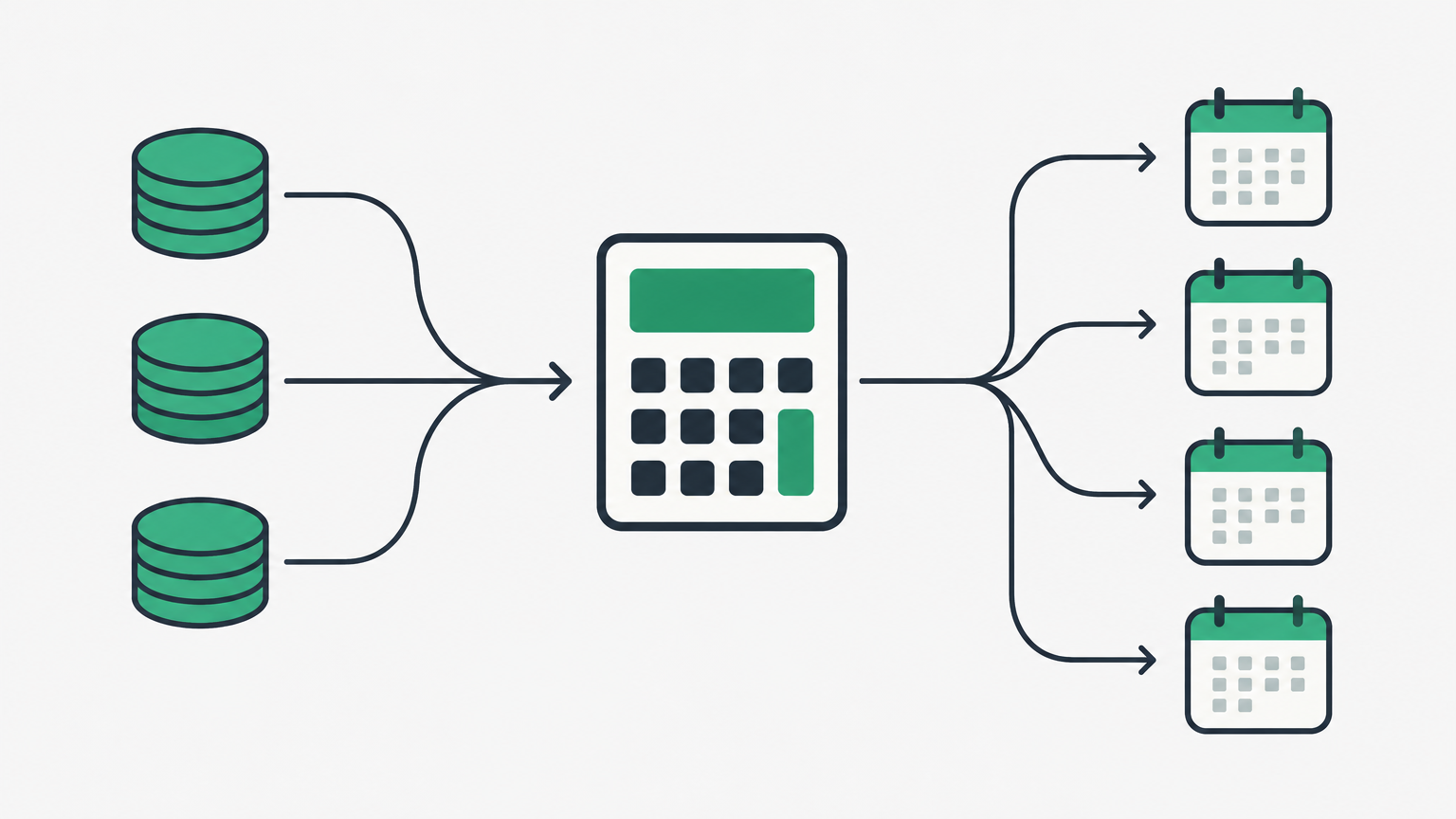
SnapTax is built so your estimate moves with your income. Even the free plan uses a real federal and state tax engine (SnapTax).
The free plan gives you all four quarterly estimates, plus the IRS deadline and days remaining for each (SnapTax).
On Starter, you log your income and expenses each month, and your estimate and monthly savings goal update from what you actually earned (SnapTax).
On paid plans you choose how SnapTax predicts the rest of your year: flat, growth, or seasonal (SnapTax).
Builder turns an uploaded bank statement into categorized income and expenses that feed the estimate (SnapTax).
What do these tools cost in 2026?
Starting prices range from free to $23 a month, but what you get at each price is very different, so match the plan to the job.
Tool | Entry price | Notes |
|---|---|---|
SnapTax | Free | Free plan includes all four quarterly estimates. Paid: Starter $4.99/mo, Builder $19.99/mo, Optimizer $39.99/mo. All paid plans are currently in Early Release (SnapTax) |
QuickBooks (Intuit) | Free | Paid plans start at $20/mo; sale prices may apply (QuickBooks) |
Hurdlr | Free | Premium is $9.99/mo or $100/yr (Hurdlr) |
Keeper | $20/mo | Bookkeeping only; plans with tax filing start at $199/yr; 14-day free trial (Keeper) |
FreshBooks | $23/mo | Lite plan; sale prices may apply (FreshBooks) |
Wave | Free | Pro is $19/mo or $190/yr (Wave) |
Every SnapTax paid plan starts with a 30-day trial. A credit card is required to start a trial, and there is no long-term commitment, so you can cancel any time (SnapTax). The free plan is a permanent free option, not a trial (SnapTax).
Which tool should you choose for managing income?
Choose the one that keeps your tax estimate current as you earn.
Choose QuickBooks for full bookkeeping, especially if you already use TurboTax or other Intuit tools.
Choose Hurdlr when mileage tracking is the main job.
Choose Keeper if you want deduction review and filing in one place.
Choose FreshBooks when invoicing clients is the priority.
Choose Wave for free bookkeeping and invoicing to start.
Choose SnapTax when you want your income to drive a live quarterly tax estimate and you need to keep up with expense tracking.
Frequently asked questions
Do freelancers need to manage income for taxes?
Yes, if you expect to owe $1,000 or more for the year. The IRS then expects four estimated payments across the year (IRS).
Can one tool track income and estimate taxes at the same time?
Yes. On SnapTax's paid plans, every payment you record or import feeds your quarterly estimate, so your taxes update as your income changes (SnapTax).
Does SnapTax need a bank connection?
No. On the Builder plan you can upload a bank statement instead of linking an account (SnapTax).
Is SnapTax a filing product?
No. SnapTax is tax planning software. On Starter and up, you can export your numbers to TurboTax when you file (SnapTax).
Start with SnapTax's free plan to get all four quarterly estimates. When you want your estimate to track your real numbers, compare the paid plans at snaptaxapp.com/pricing.
