Mobile Receipt Storage for 1099 Expense Tracking: What the IRS Actually Requires
Crystal Harrison · October 26, 2026 · 12 min read
Mobile Receipt Storage for 1099 Expense Tracking: What the IRS Actually Requires
TL;DR: The IRS does not require a receipt-storage app or automatic transaction matching. You need records that support your claimed expenses, including the amount, timing, nature of the purchase, and business purpose where applicable. Legible digital receipts can form part of those records. An app can make them easier to organize, retrieve, and connect with your bookkeeping, but you remain responsible for confirming eligibility and keeping required supporting information.
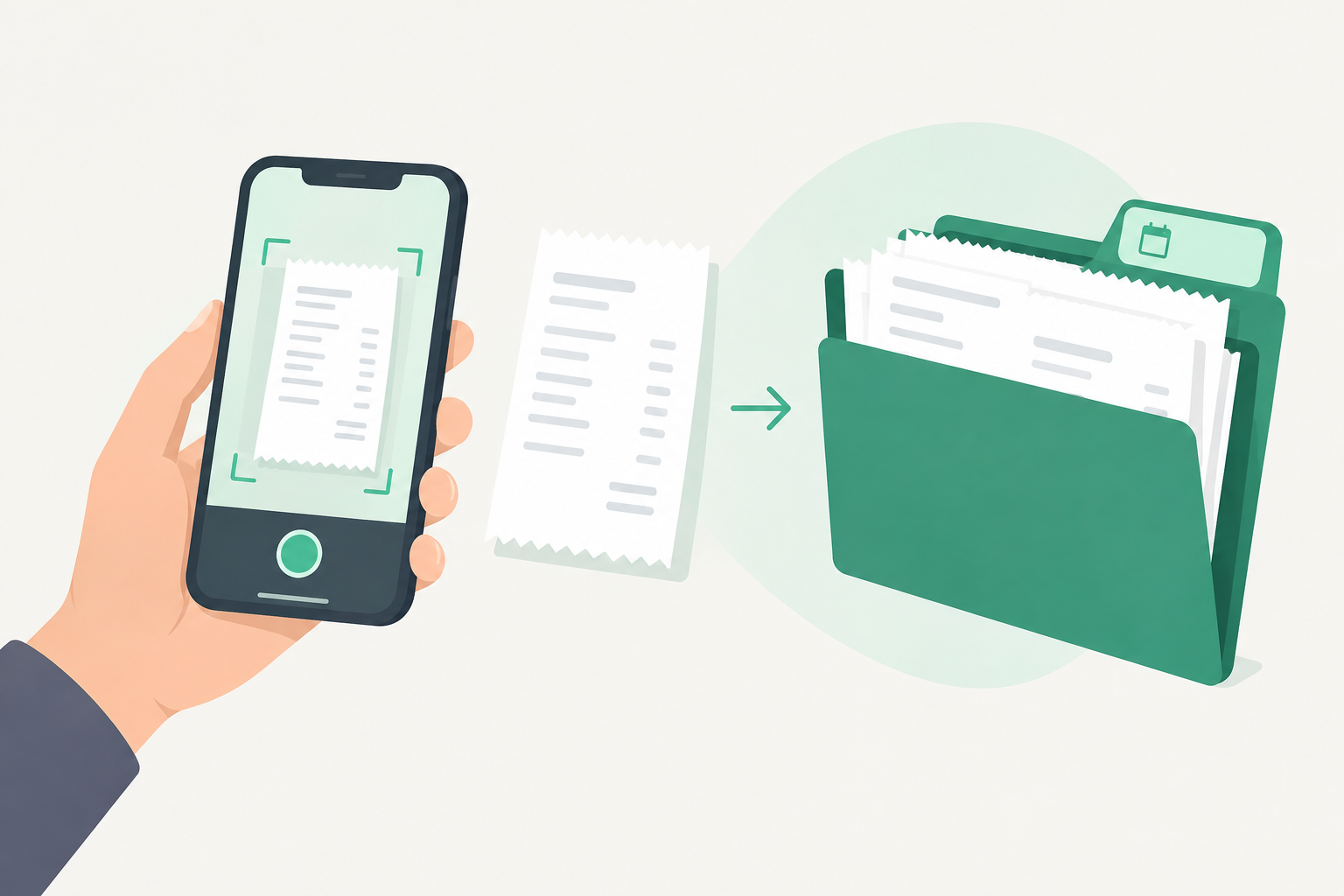
A legitimate business purchase can be harder to substantiate when its receipt or supporting details are missing. Capturing and organizing records as you go can make later bookkeeping and tax preparation easier. SnapTax is a 1099 expense tracking app built for that. It captures a receipt, reads it, and helps you connect it to the transaction it belongs to, so the record is there when you need it.
The IRS is blunt about why this matters. When you claim an expense, the responsibility to prove it is yours. The IRS calls that the burden of proof, and it says you should keep adequate records to prove your expenses or have sufficient evidence to support your own statement (IRS, Burden of proof).
That word, adequate, is the whole game. Here is what it actually means for a 1099 worker in 2026.
What does the IRS actually require before you can deduct a 1099 expense?
The IRS requires you to substantiate the expense with adequate records, which generally means documentary evidence such as receipts, canceled checks, or bills. You cannot simply remember the purchase. The IRS states that you generally must have documentary evidence to support your expenses, and that additional evidence is required for travel, entertainment, gifts, and auto expenses (IRS, Burden of proof).
Requirements vary by expense. Ordinary purchases need supporting records, while travel, meals, gifts, and vehicle expenses have specific substantiation rules. A category label alone may not establish the business purpose or every required fact. Note too that documenting an expense and being allowed to deduct it are separate questions; entertainment, for example, is deductible only in limited circumstances no matter how well it is documented.
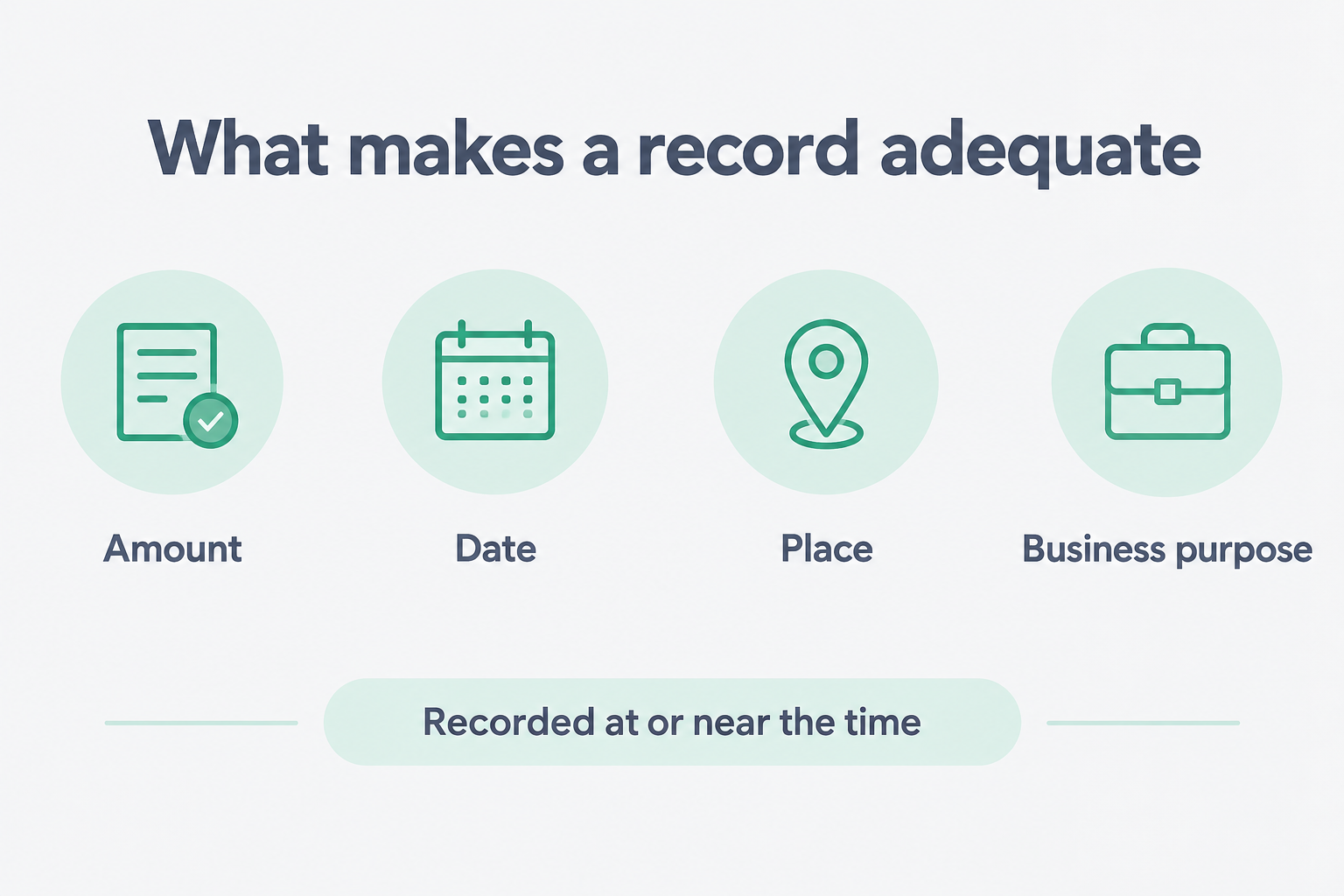
Publication 463 explains what an adequate record looks like. You should keep your proof in an account book, diary, log, statement of expense, trip sheets, or similar record, alongside documentary evidence for each element of the expense (IRS Publication 463, What Are Adequate Records?).
Two details in that publication matter more than freelancers expect:
You must generally prepare a written record, and a record you prepare on a computer is considered an adequate record.
You should record the elements of an expense at or near the time it happened, because a timely record has more value than one written later from memory (IRS Publication 463).
Do photos of receipts count as IRS records?
Yes, a legible receipt photo can form part of your records, especially if your storage system can index it, retrieve it, and reproduce it legibly on demand. Publication 583 is explicit that all requirements applying to hard-copy books and records also apply to electronic storage systems (IRS Publication 583, Electronic records).
The same section sets the bar for what an electronic system must do. It must index, store, preserve, retrieve, and reproduce your records in legible format. It must provide a complete and accurate record that is accessible to the IRS, and it is subject to the same retention rules as paper (IRS Publication 583).
For the underlying rule, the IRS points to Revenue Procedure 97-22, which covers the requirements for electronic storage systems that replace hard-copy records (IRS Publication 583).
So the format is not the problem. A JPEG can work. The problem is an unindexed folder of images that nobody can tie back to a tax return.
How long do you have to keep receipts for 1099 income?
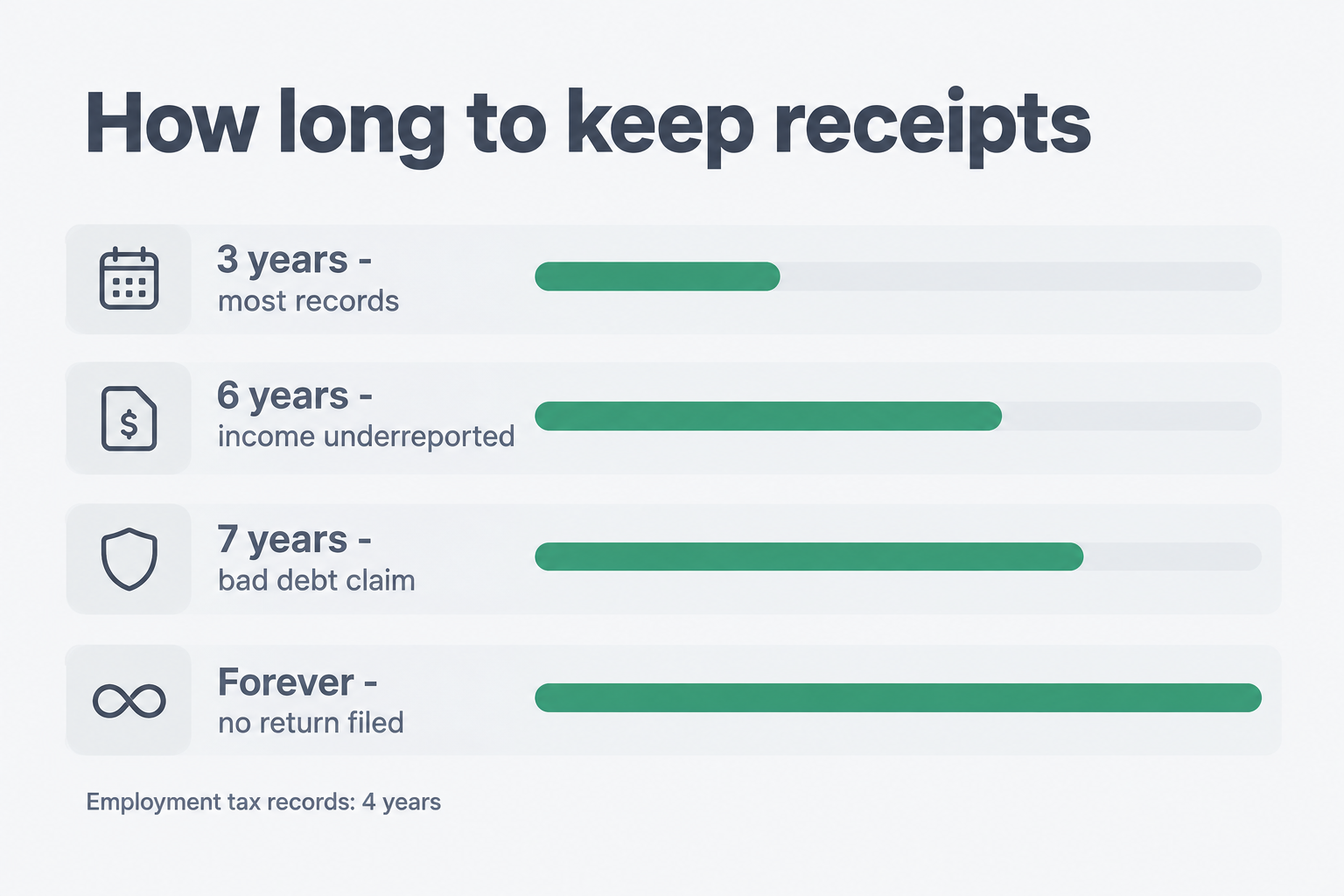
Generally you keep the records that support a deduction until the period of limitations for that return runs out, which is usually three years (IRS, How long should I keep records?).
The exceptions are where freelancers get caught, because several of them stretch the timeline well past three years.
Situation | How long to keep records | Source |
|---|---|---|
Ordinary income, deduction, or credit records, where no special exception applies | Generally 3 years | |
Claim for credit or refund after filing | 3 years from filing, or 2 years from payment, whichever is later | |
Omitted reportable income exceeding 25% of the gross income shown on the return | 6 years | |
Claim for a loss from worthless securities or bad debt | 7 years | |
No return filed, or a fraudulent return | Indefinitely | |
Employment tax records | At least 4 years after the tax is due or paid, whichever is later |
One more wrinkle: records connected to property, such as equipment you depreciate, should generally be kept until the period of limitations expires for the year you dispose of the property (IRS, How long should I keep records?).
Check state requirements and nontax obligations before disposing of records; they may require longer retention.
In practice, a blanket three-year deletion policy is not appropriate for every record. Three years may be enough for ordinary records under the general rule, but asset records and the exceptions above can require longer. A receipt vault organized by tax year is the safer default. An organized vault does not itself establish the correct retention period or guarantee that records remain available after cancellation, so confirm what your system keeps and for how long.
Before deleting receipts or closing your account, export the records you may need to retain. Deletion is not an archival service. Where backup timing matters, treat backups as expected within about one day, not a guaranteed universal deadline.
Why is a photo in your camera roll not the same as a receipt matched to a transaction?
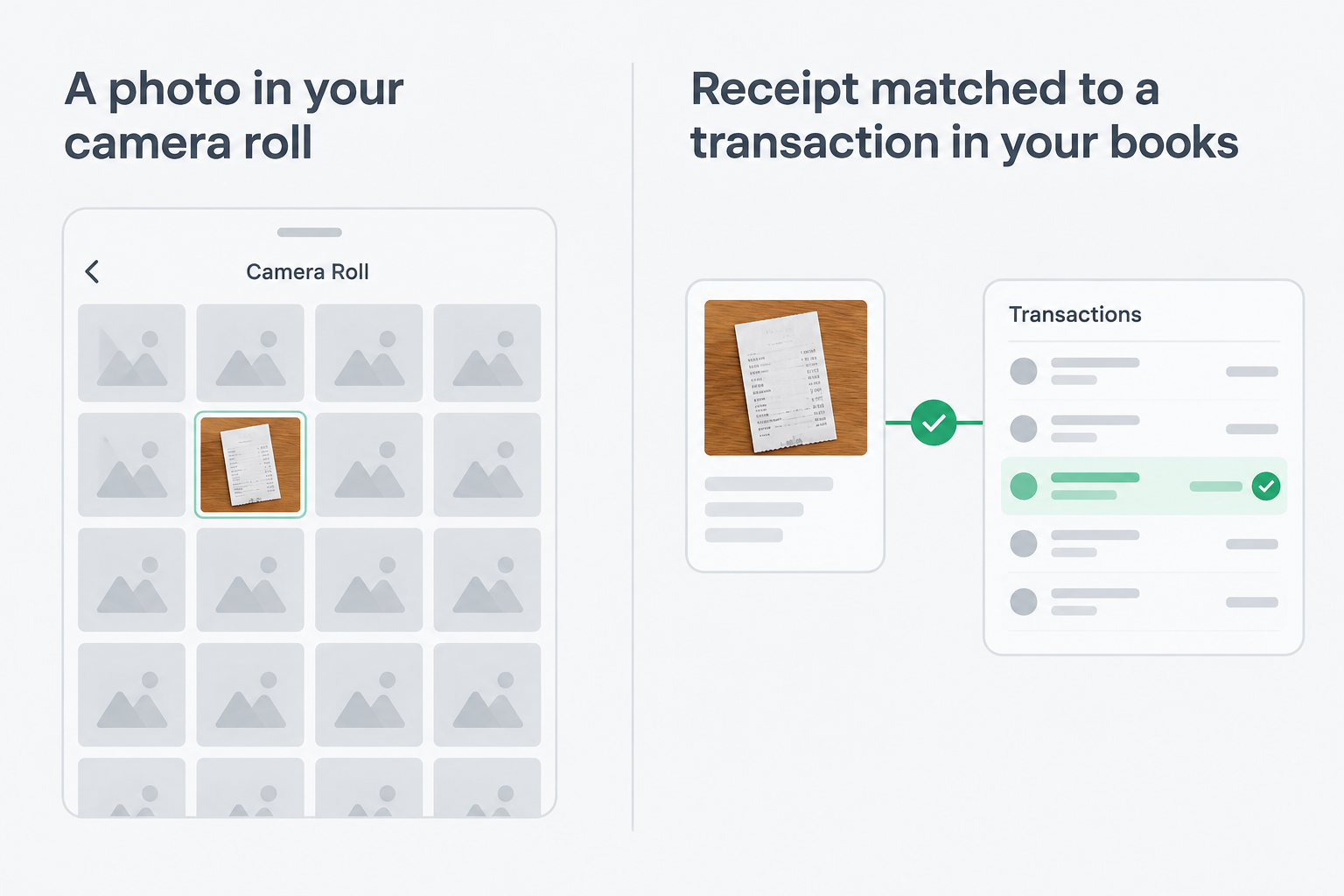
Because supporting a deduction usually takes several pieces of information, and a camera-roll photo may only supply some of them. Publication 463 says documentary evidence is ordinarily adequate when it shows the amount, date, place, and essential character of the expense (IRS Publication 463).
A receipt photo can provide useful evidence, but it may not explain why the purchase was for business. Connecting it with a transaction and a business-purpose note makes the record easier to review and retrieve.
The IRS also draws a line at $75. Under the Publication 463 rules, documentary evidence generally is not required for covered expenses below $75, except lodging. You still need adequate records of the expense and its business purpose. Do not treat this as a universal rule allowing every small business expense to go undocumented. Keeping receipts where practical remains a sensible habit, but it is a recommendation, not a blanket legal requirement (IRS Publication 463).
There is also the estimate question. Courts may sometimes permit estimates for certain expenses when sufficient evidence establishes that deductible costs were incurred. However, this is not a substitute for records, and expenses subject to strict substantiation requirements generally cannot be supported by estimates alone.
What the record needs | Photo or folder-based records | Receipt saved in an app |
|---|---|---|
Amount | Visible if legible | Extracted where readable; review required |
Date | Visible if legible | Extracted where readable; review required |
Vendor | Visible if legible | Extracted where readable; review required |
Business purpose | Usually needs a separate note | A note can be attached to the transaction |
Connected to bookkeeping | Can be cross-referenced manually | Supported matching and linked records |
Retrieved later | Depends on organization and search tools | Supported search and exports |
What does a compliant 1099 receipt storage system look like?
Any system that clearly shows your income and expenses counts, because the law does not require one specific kind of records. Publication 583 states that, except in a few cases, the law does not require any specific kind of records, and you can choose any recordkeeping system suited to your business that clearly shows your income and expenses (IRS Publication 583).
So the question is not whether you use paper or an app. The question is whether the system can do four things.
Show your gross income and your deductions and credits in a summary.
Keep the supporting documents for each expense.
Store records so they can be indexed, retrieved, and reproduced legibly.
Produce a complete and accurate record that is accessible to the IRS (IRS Publication 583).
A shoebox of loose paper can make the third and fourth steps hard. A camera roll is the same. An app can help you organize and connect records, but the storage medium does not decide compliance on its own. Records still have to be complete, reviewed, and kept as long as the rules require.
Should you use a manual receipt system or an app?
Either approach can work if records are complete, organized, retained, and retrievable. An app can reduce manual organization and help connect receipts to bookkeeping, but users still need to review extracted information, confirm matches, and add relevant business-purpose details.
Task | Manual or folder-based system | Receipt-management app |
|---|---|---|
Capture evidence | Keep paper or a legible digital copy | Capture or upload supported files |
Record purchase details | Enter or organize details manually | Review extracted details where available |
Establish business purpose | Add notes or supporting records | Add or confirm notes and allocations |
Connect to bookkeeping | Cross-reference manually | Review suggested matches where supported |
Retrieve records | Use consistent folders and indexing | Use supported search and exports |
Preserve records | Maintain backups and retention process | Confirm provider retention and export options |
The IRS does not require an app. Your calendar does.
How does SnapTax handle mobile receipt storage?
SnapTax helps you capture receipts, review extracted information, and connect receipts with imported transactions. You remain responsible for confirming business purpose, allocations, and deduction eligibility.
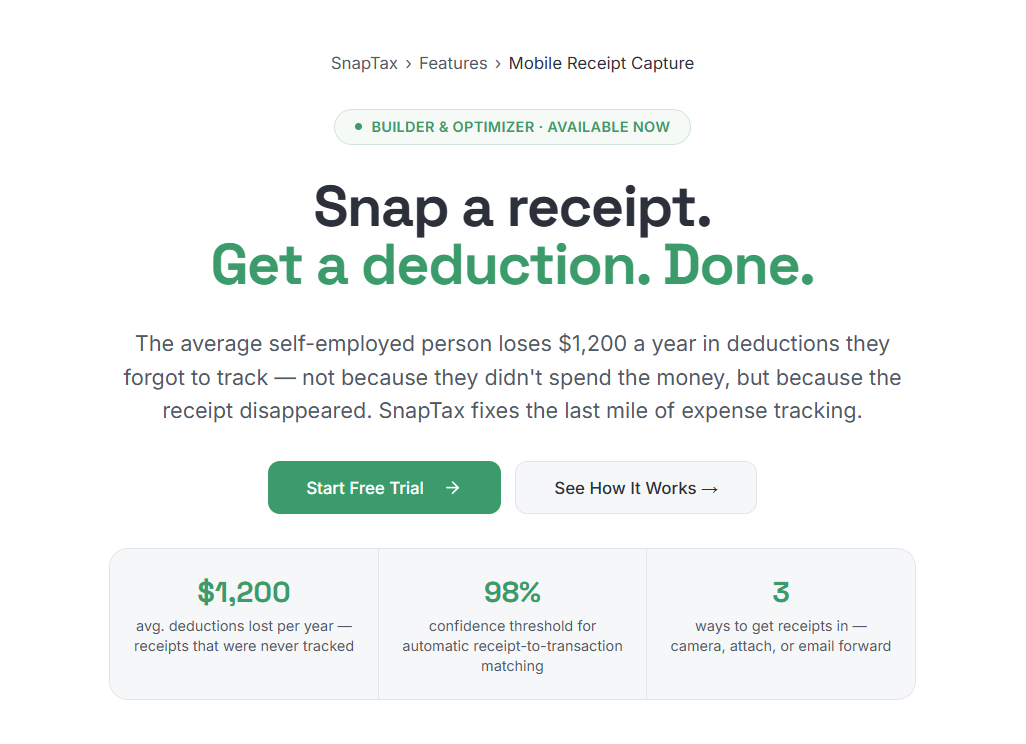
Capture. After you sign in on your phone, a capture button appears on the app's pages. It offers receipt, mileage, or document capture. For receipts, you can use your phone's camera through the browser or choose a supported photo or PDF. You can also drag and drop files from your computer to directly attach a receipt to an expense in your transaction log.
Email forwarding. Builder and Optimizer users can forward receipts to receipts@inbox.snaptaxapp.com from an approved email address.
Extraction. SnapTax extracts receipt details such as vendor, amount, and date, and suggests a category. An existing vendor rule takes precedence over the AI suggestion. Receipt processing does not change the linked transaction's category.
Matching. When vendor, amount, and date align strongly, SnapTax can attach the receipt automatically. Weaker matches are suggestions you can confirm or dismiss. You can unmatch or delete a receipt, and duplicate emailed receipts are skipped.
Storage. Receipt files are stored in a private storage area with user-scoped access. Uploads and downloads use HTTPS for encrypted transfers. Approved service providers process or store data as described in SnapTax's privacy policy.
Export. You can export a CSV index or a ZIP containing the CSV and original receipt files in their uploaded formats. The index includes transaction, allocation, business-purpose, receipt, match, and review information.
Bank statements use a separate import workflow to bring in transactions. Supporting documents, such as mortgage statements, are stored for your records; they are not all processed like receipts.
That is the difference an organized system makes. A photo shows a purchase happened. A receipt saved, matched, and paired with SnapTax's AI powered business-purpose note is easier to review, retrieve, and explain on your Schedule C.
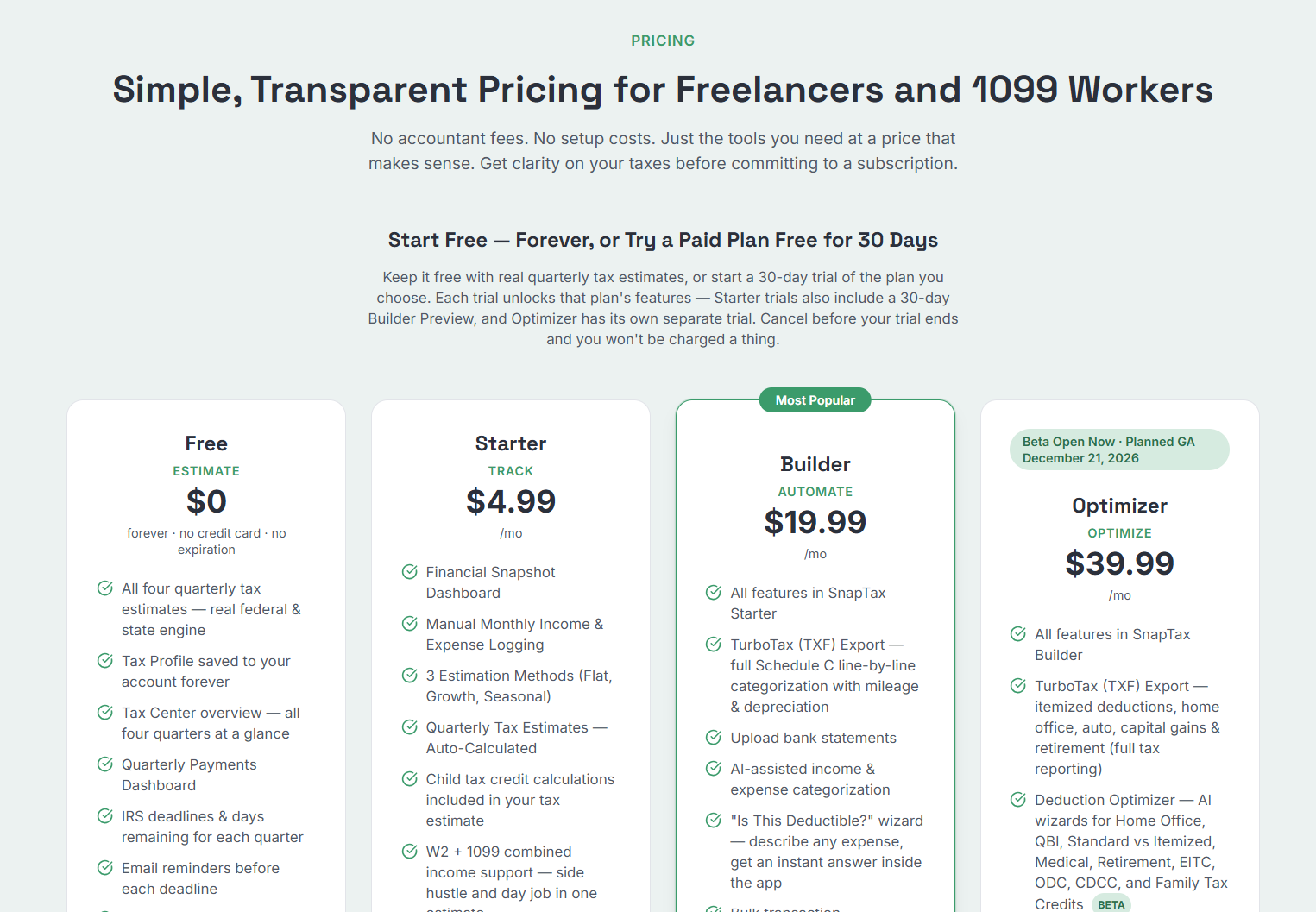
Mobile Receipt Capture is available on the Builder and Optimizer plans. Builder is $19.99 a month and Optimizer is $39.99 a month, both with a 30-day trial. Every SnapTax trial requires a credit card on file, and you can cancel at any time with no long-term commitment. If you are not ready for a paid plan, SnapTax offers a free plan that estimates your quarterly tax due based on an annualized Net Income estimate. Receipt capture and storage require Builder or Optimizer (SnapTax pricing, Mobile Receipt Capture).
Frequently Asked Questions:
What else should 1099 workers know about receipt storage?
Here are the questions that come up most, answered plainly.
Does the IRS accept digital receipts and scanned images?
Yes. Legible digital receipts and computer-prepared records can support your deductions, provided the records contain the required information and your storage process meets applicable preservation, retrieval, and retention requirements. A digital format does not automatically establish deduction eligibility (IRS Publication 463, IRS Publication 583).
Do I need to keep a paper receipt if I already photographed it?
You may be able to replace paper receipts with electronic records if your storage process meets the applicable IRS requirements, including complete, accurate, legible reproduction, retrieval, preservation, and retention. Before discarding originals, confirm that the process has been tested and that procedures maintain those requirements. Other legal, contractual, or warranty reasons may also require keeping an original (IRS Publication 583).
What is the $75 rule for receipts?
Under the Publication 463 rules, documentary evidence generally is not required for covered expenses below $75, except lodging. You still need adequate records of the expense and its business purpose. Do not treat this as a universal rule allowing every small business expense to go undocumented (IRS Publication 463).
Do I need receipts for every expense to claim a deduction?
You need adequate records and documentary evidence where the IRS requires it. If a record is missing, courts may sometimes permit estimates for certain expenses when enough evidence establishes that deductible costs were incurred, but expenses with strict substantiation rules generally cannot be supported that way. Missing records can make it harder to substantiate an otherwise eligible deduction.
How long should a freelancer keep receipts by default?
Three years covers most returns, but six years applies when omitted reportable income exceeds 25% of the gross income shown on the return, and some situations require longer (IRS, How long should I keep records?). Check state requirements and any nontax obligations too, since they may require longer retention. A vault organized by tax year makes the longer timelines painless.
The goal is not paper versus pixels. It is keeping the information and supporting documents required for the expense, in a form you can retrieve when needed. Capture records promptly, review them, and retain them for the applicable period. Start a SnapTax trial and let the capture, the organizing, and the export take the shoebox out of the equation.
Estimate your taxes free: Use the free 1099 tax calculator to see your self-employment tax, federal income tax, and quarterly payment in minutes.
